 MyLifeLedger
How this calculator works
The calculator multiplies your monthly take-home pay by each percentage. The classic split is 50% for needs, 30% for wants and 20% for savings and debt payments. Take-home pay is what lands in your account after taxes and payroll deductions.
You can change the three percentages to fit your situation. If they do not add up to 100, the calculator tells you whether you are assigning more than your pay or leaving some unassigned.
Example
With $4,000 of monthly take-home pay, the 50/30/20 split gives $2,000 for needs, $1,200 for wants and $800 for savings and debt payments.
If your rent and bills make needs closer to 60%, try 60/20/20 and see what changes.
Tips
- Needs are things you must pay, like rent, groceries, utilities, insurance and minimum debt payments. Wants are the extras, like dining out and subscriptions.
- If your needs are above 50%, you are not doing anything wrong. Start from your real numbers and adjust the split to match.
- Pay yourself first by moving the savings amount out on payday, so it does not get spent on wants.
Frequently asked questions
Should I use gross or take-home pay?
Use take-home pay, the amount you actually receive after taxes and deductions.
Where do debt payments go?
Minimum payments count as needs. Extra payments beyond the minimum count toward the savings and debt share.
Is 50/30/20 right for everyone?
It is a starting point, not a rule. High housing costs or big goals may call for a different split.
What if I have irregular income?
Use a typical low-income month for the pay amount, then put anything extra toward savings or debt.
Related calculators
Related tools
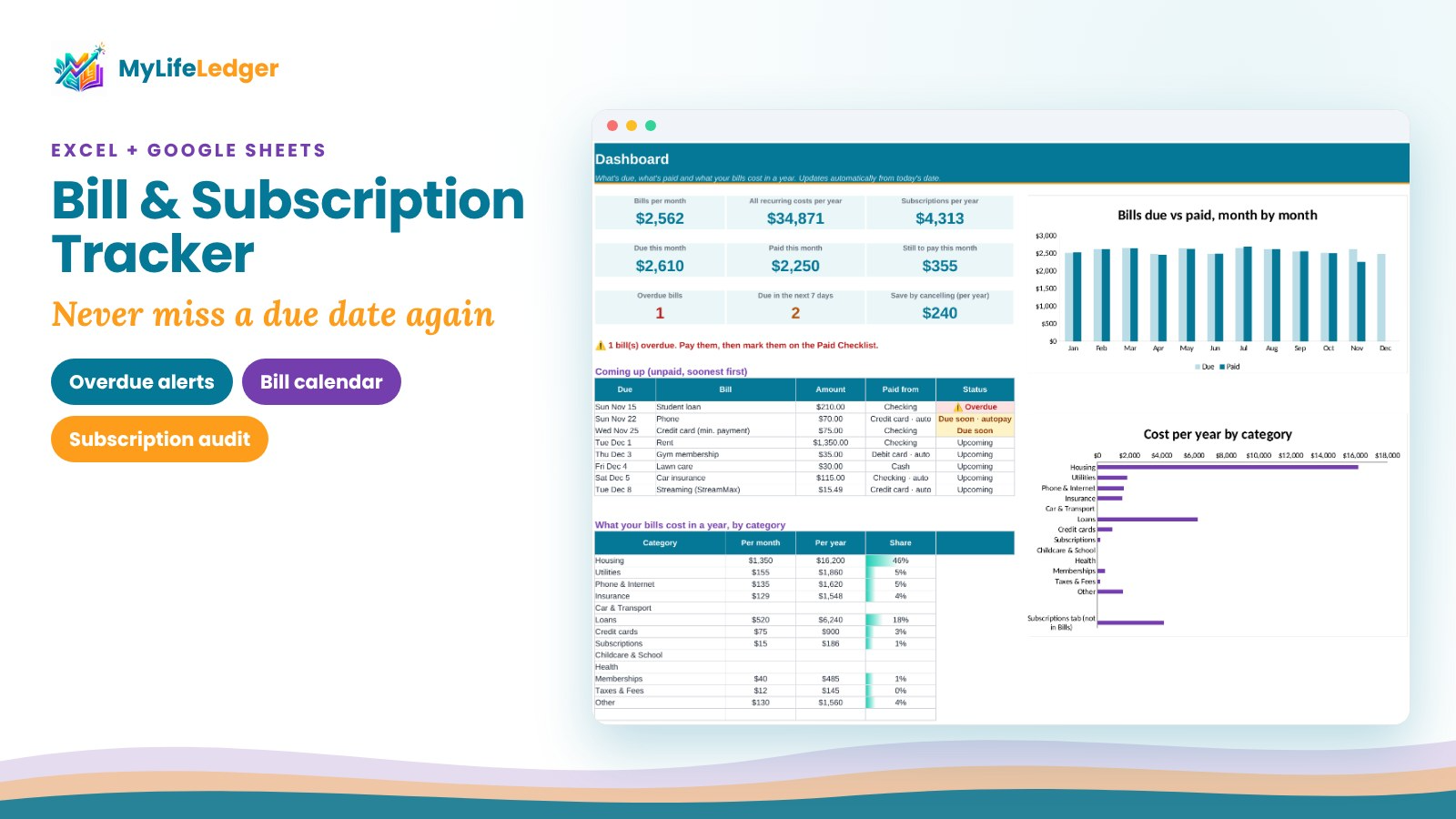
Bill & Subscription Tracker
Never miss a due date
$7.99View tool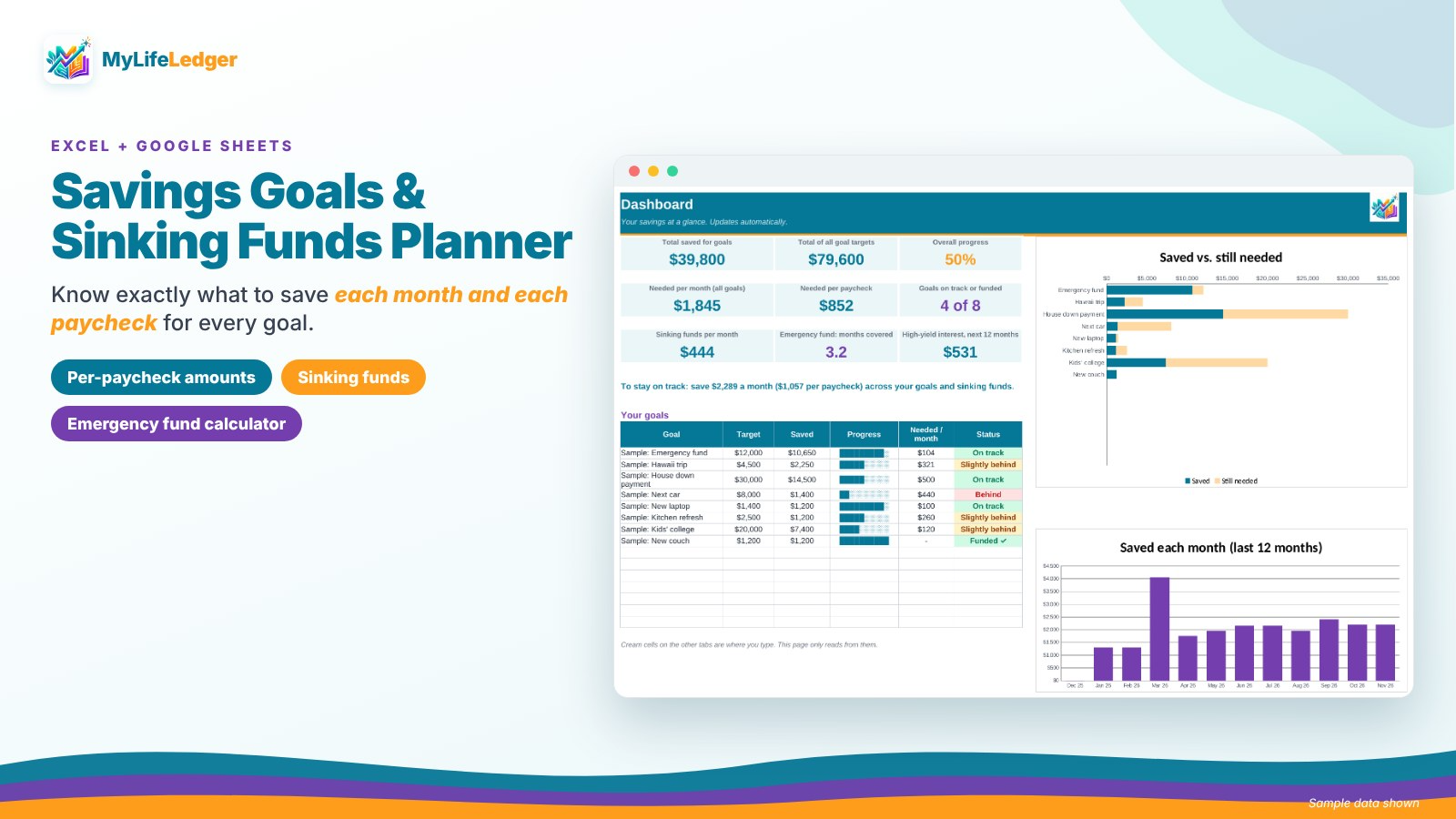
Savings Goals & Sinking Funds Planner
Know what to save each paycheck
$8.99View tool
Estimates for education only, not financial advice.